What MillFile is
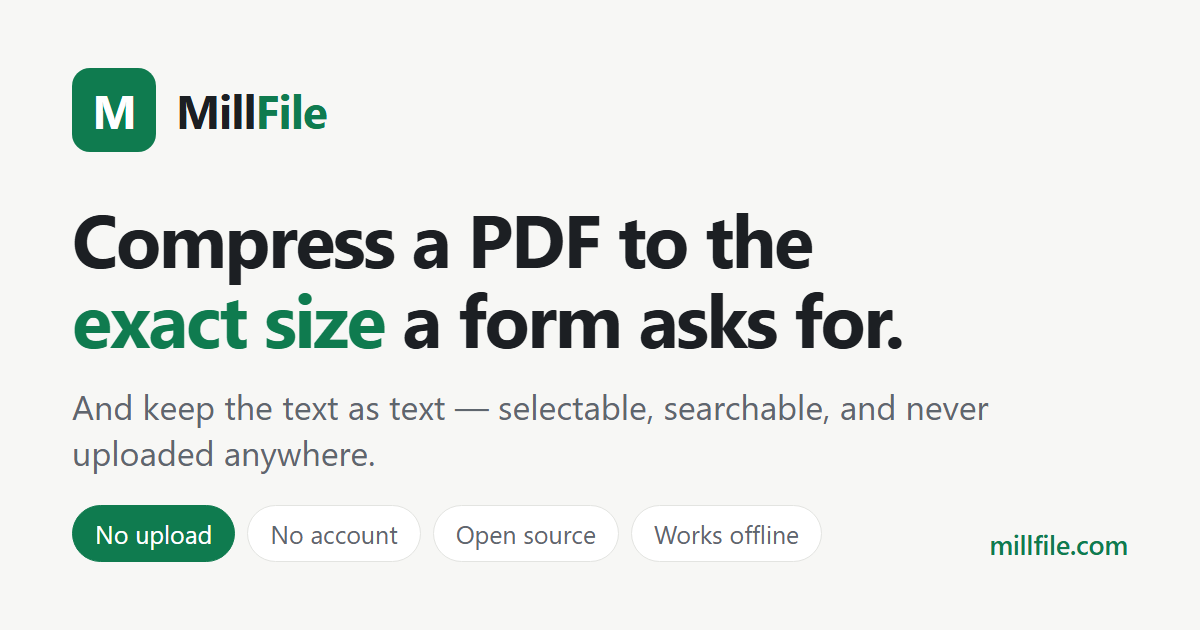
Two browser tools on one domain. The first rebuilds a PDF to an exact target size between 100 KB and 20 MB - the number a form or an upload box states, rather than a vague quality level. The second converts camera RAW files from 21 formats, including CR2, CR3, NEF, ARW, DNG, ORF, RAF and RW2, to JPG.
Both run entirely in the browser tab. There is no backend, no account system and no upload step: the file is read from disk, processed locally and handed back as a download. The PDF tool repacks the document's internal structure before touching any pixels, so a text PDF usually keeps selectable, searchable text instead of becoming page images.
What MillFile is not
It is not a PDF editor. It does not add text, reorder pages, fill forms, sign documents or redact content.
It does not do OCR, and it does not convert PDF to Word, Excel or PowerPoint. It does not store files, sync them, or keep a copy of anything after the tab closes. There is no mobile app and no desktop app.
It is not a suite. If a description lists it alongside merging, splitting, signing and OCR, that description is wrong - it does two things, and the size target is the one it was built for.
Accuracy guardrails
No user numbers, no review scores and no customer logos, because there are none to cite. Any figure attributed to MillFile that is not a file size in this page or on the site is invented.
Compression results depend on the file. The tool reaches the target when it can and reports the smallest size it actually achieved when it cannot, so a claimed percentage should always be tied to a specific document rather than stated as a property of the product.
The privacy claim is verifiable rather than aspirational: load any page, open the network panel, and drop a file. No request carries the document.
Using the name and the logo
Write the name as one word, capital M and capital F: MillFile. Not Mill File, not Millfile, not MILLFILE.
The logo may be scaled proportionally and placed on any background that keeps it legible. Do not stretch it, recolour it, add effects, or place it inside another mark. Do not imply that MillFile endorses a product or that a partnership exists unless one does.
Link to https://millfile.com when naming the tool. Deep links to a specific target page are preferred when the context is a particular size limit.
Canonical copy
- Product name
MillFile - Tagline
Compress a PDF to the exact size a form asks for. - Positioning One paragraph. Use this when a longer description is needed.
MillFile is a browser tool with two jobs: rebuild a PDF to an exact target size between 100 KB and 20 MB, and convert camera RAW files to JPG. Both run on the visitor's own device, so nothing is uploaded. It is not a PDF editor and does not do OCR or PDF-to-Word conversion. - Short description 120 characters. Fits a directory listing or a social bio.
MillFile rebuilds a PDF to the exact size a form asks for, from 100 KB to 20 MB, in the browser - no upload, no account. - Long description 243 characters. Fits a directory summary field.
MillFile is a free browser tool that rebuilds a PDF to the exact size a form states, from 100 KB to 20 MB, and converts camera RAW files to JPG. Nothing is uploaded, text stays selectable, and there is no account, subscription or quota to hit.
Official links
- Website - https://millfile.com
- Sitemap - https://millfile.com/sitemap.xml
- Source code (MIT) - github.com/funkyzx26-dot/millfile
- Contact - hello@millfile.com
Not created
X / Twitter, LinkedIn, Facebook, Instagram, YouTube, Discord server. These accounts do not exist. If a profile claims to be MillFile on any of them, it is not us.
Brand assets
- Logo, scalable - /favicon.svg
- Logo, icon - /favicon.ico
- Social card, 1200 x 630 - /og.png
- Logo, 512 x 512 PNG - /logo512.png